Deployment Precheck
Before deploying a stack, you can run a Deployment Precheck to validate all prerequisites and detect problems before containers are removed or recreated. The precheck is not automatic — it is triggered manually via the Run Precheck button.
Overview
Section titled “Overview”| Check | Description | Severity |
|---|---|---|
| Variable Validation | Are all required variables set and valid? | Error |
| Existing Deployment | Is there already a deployment with this stack name? | Warning / Error |
| Image Availability | Are all Docker images available locally or remotely? | Error |
| Port Conflicts | Are host ports already in use by other containers? | Error |
| Network Availability | Do external networks required by the stack exist? | Error |
| Volume Status | Do volumes already exist for this stack? | Warning |
Step by Step: Precheck During Deployment
Section titled “Step by Step: Precheck During Deployment”Step 1: Select a Stack from the Catalog
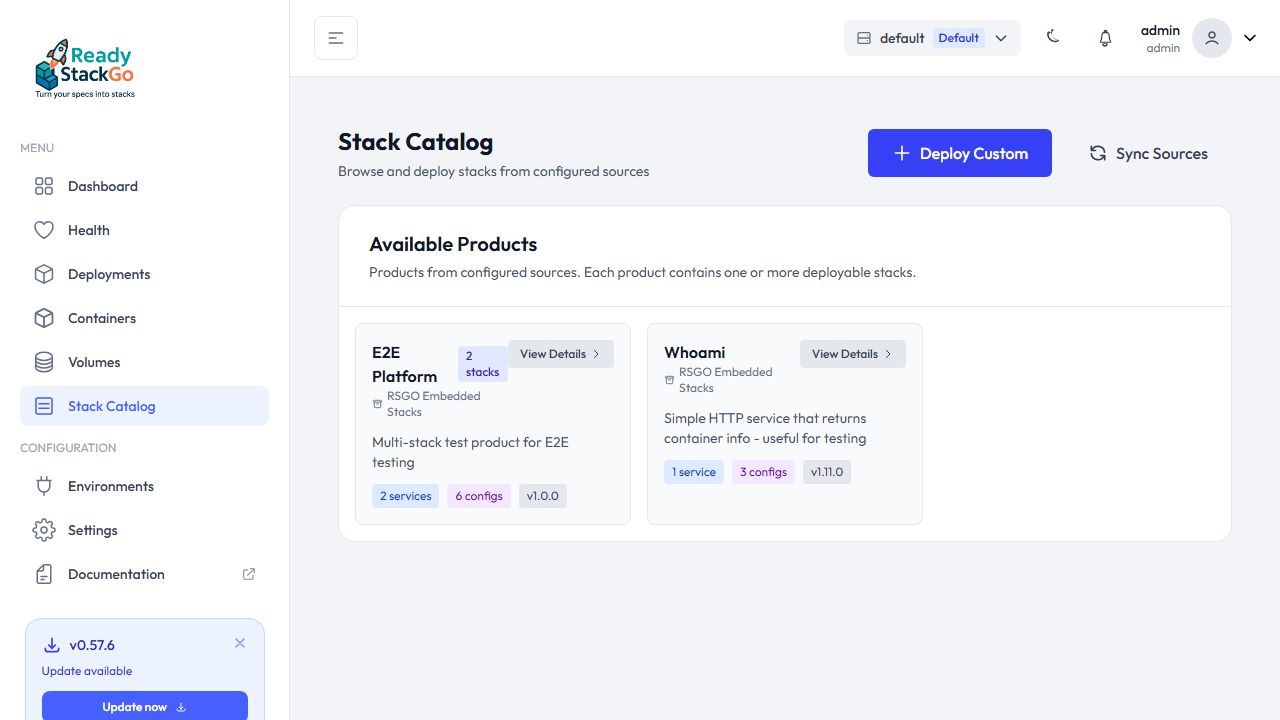
Section titled “Step 1: Select a Stack from the Catalog”Open the Stack Catalog and select a product. Click View Details to see the available stacks.
Step 2: Configure the Stack
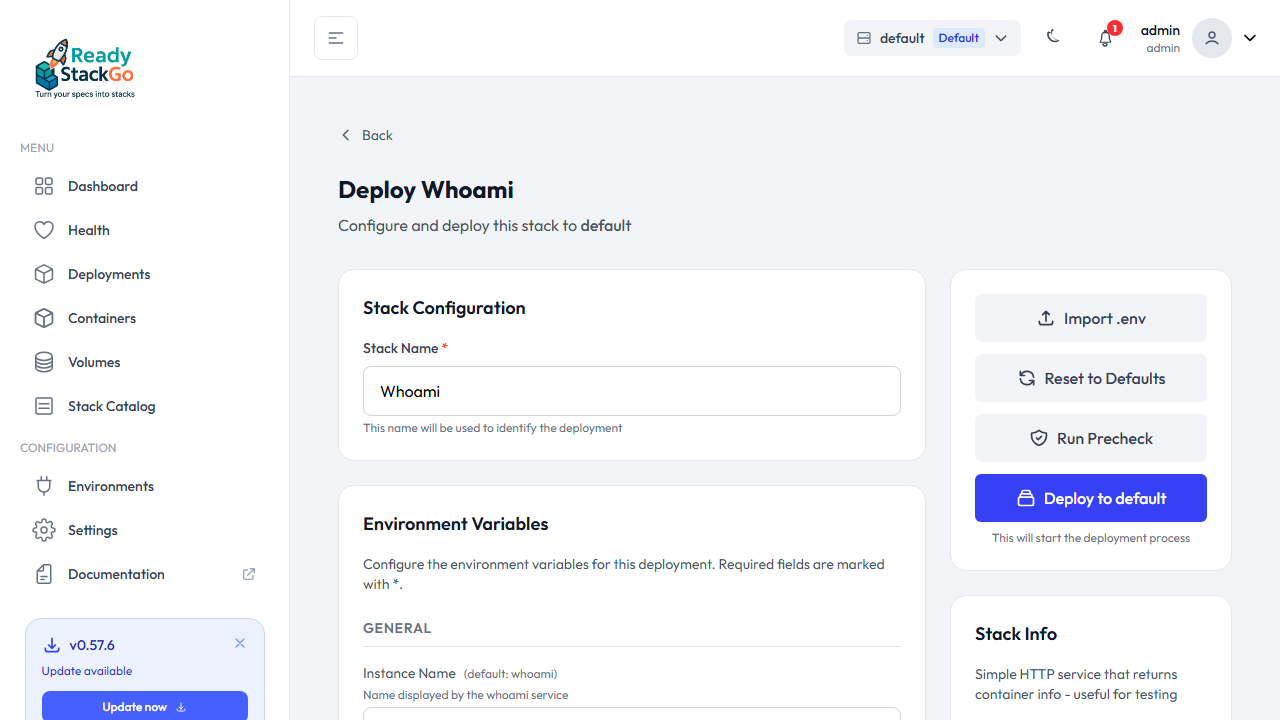
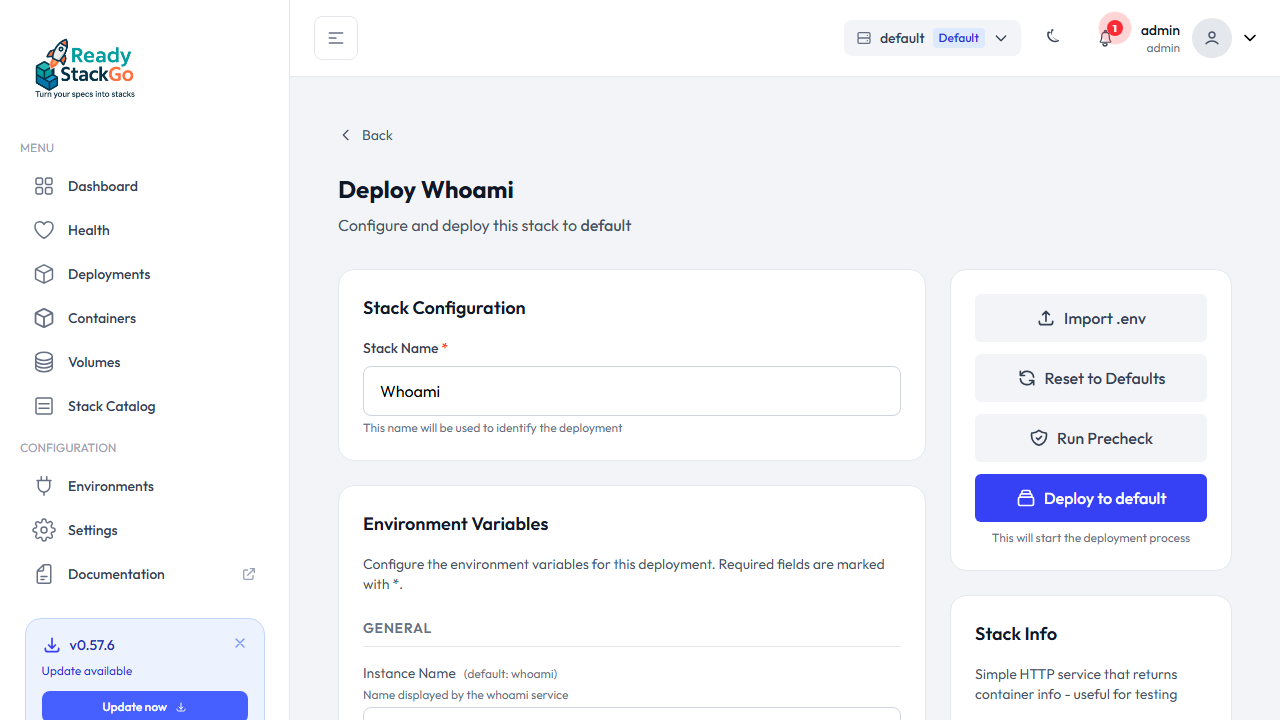
Section titled “Step 2: Configure the Stack”On the deploy page, configure the Stack Name and Environment Variables. In the right sidebar, you’ll find the Run Precheck button.
Step 3: Run the Precheck
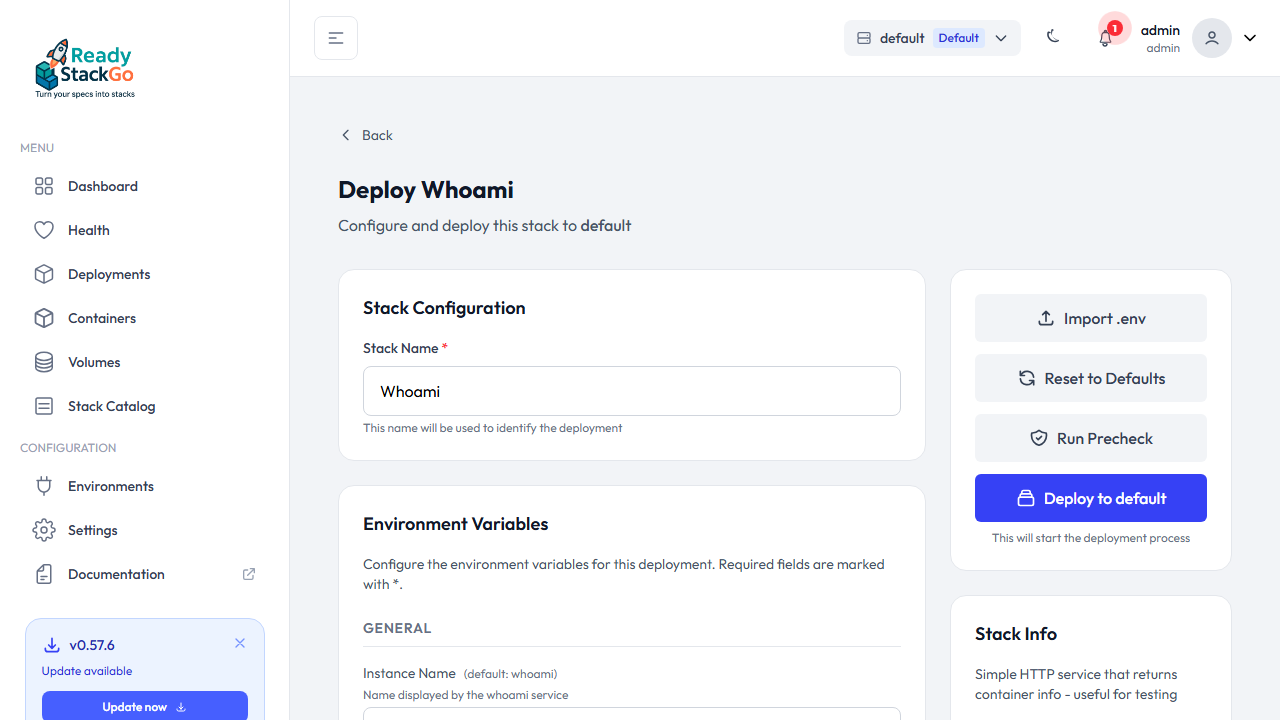
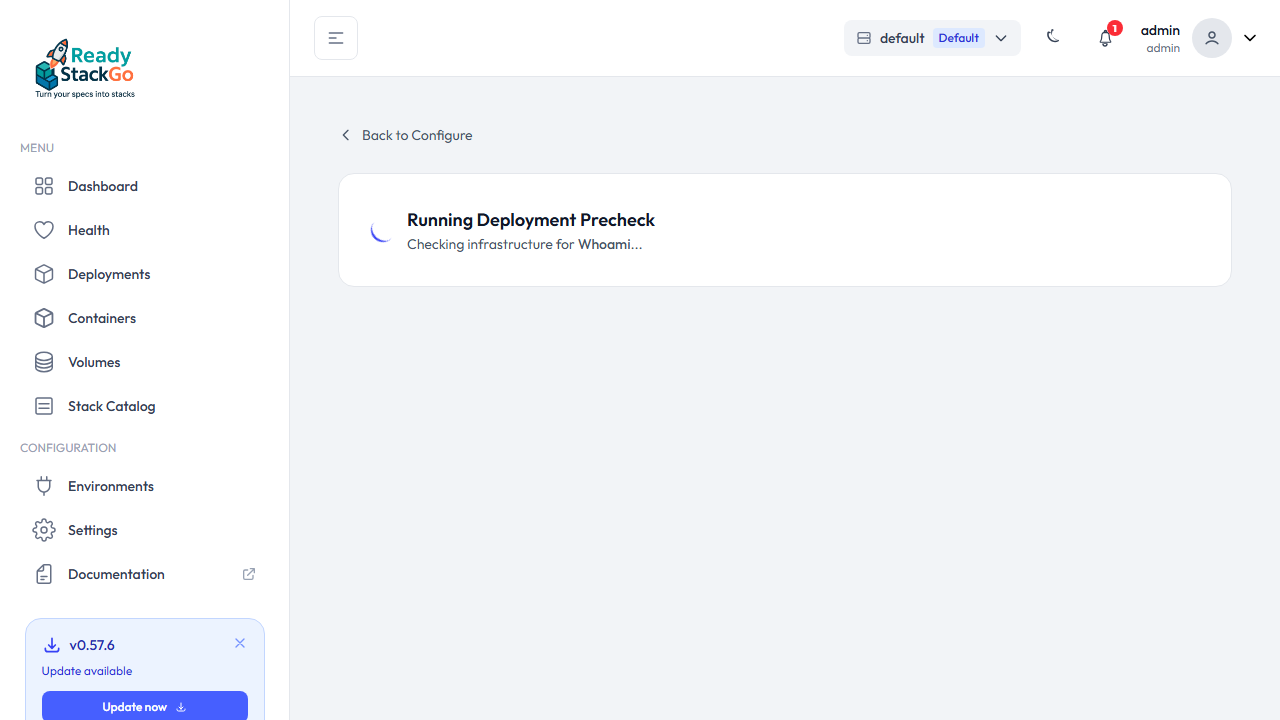
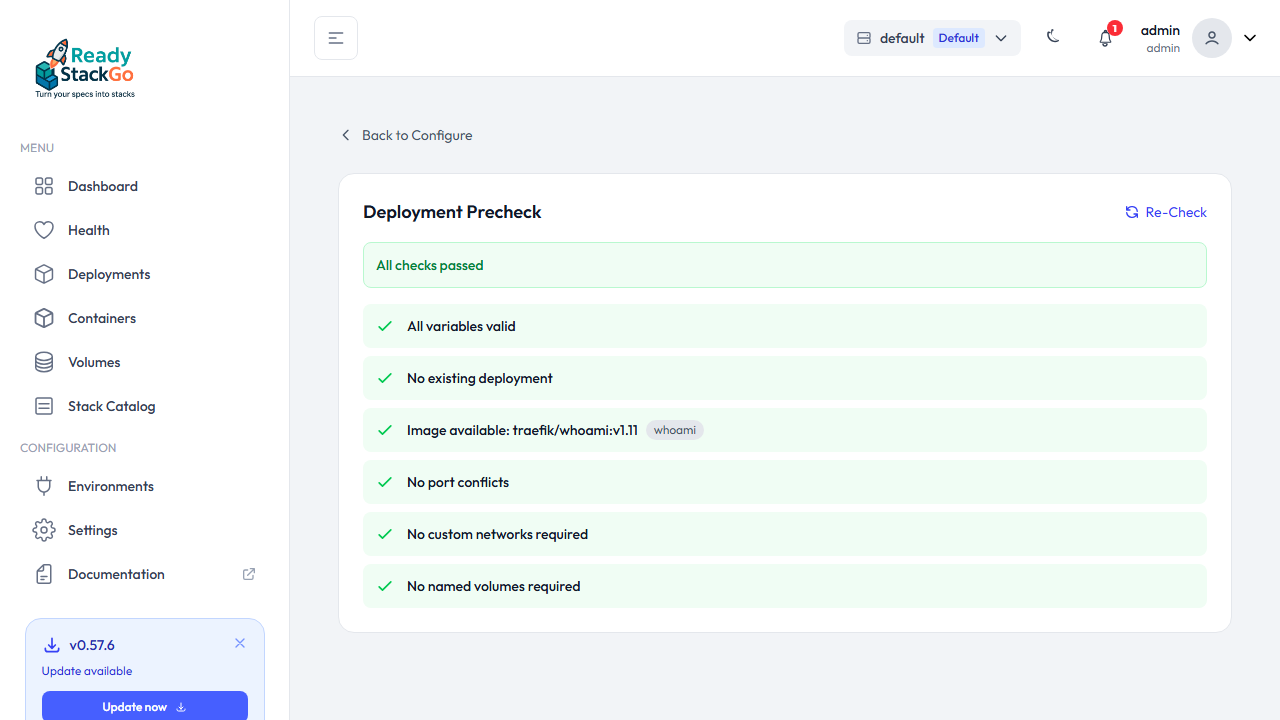
Section titled “Step 3: Run the Precheck”Click the Run Precheck button in the sidebar. You’ll be navigated to a dedicated precheck page where the infrastructure checks start automatically.
Step 4: Review Precheck Results
Section titled “Step 4: Review Precheck Results”The Precheck Results Page shows the outcome of all checks:
- ✓ Green – Check passed
- ⚠ Yellow – Warning (deployment possible, but review the note)
- ✗ Red – Error (should be fixed before deployment)
Step 5: Re-Check or Return to Configure
Section titled “Step 5: Re-Check or Return to Configure”Use the Re-Check button to re-run all checks — for example, after pulling a missing Docker image. Click Back to Configure to return to the deploy page.
Step 6: Start Deployment
Section titled “Step 6: Start Deployment”Back on the deploy page, you can start the deployment at any time. The Deploy button is always enabled, regardless of the precheck result.
Product Deployment Precheck
Section titled “Product Deployment Precheck”For a Product Deployment (multiple stacks at once), the precheck runs checks for all stacks in parallel. Results are grouped by stack:
- Stacks with errors or warnings are automatically expanded
- Stacks without issues are collapsed
- The summary shows the overall status across all stacks
Checks in Detail
Section titled “Checks in Detail”Variable Validation
Section titled “Variable Validation”Checks whether all variables marked as Required have a value and whether values match defined patterns. Variables like ${FRONTEND_PORT} are resolved before validation.
Existing Deployment
Section titled “Existing Deployment”Detects whether a deployment with the same stack name already exists:
| Existing Deployment Status | Result |
|---|---|
| Running | Warning – upgrade scenario |
| Installing / Upgrading | Error – deployment blocked |
| Failed | Warning – retry scenario |
| Removed | OK – fresh install |
Image Availability
Section titled “Image Availability”Checks for each service whether the Docker image is available locally or can be pulled remotely. Image names with variables (e.g. ${REGISTRY}/app:${TAG}) are resolved before checking.
Port Conflicts
Section titled “Port Conflicts”Detects whether host ports are already in use by running containers. Port definitions with variables (e.g. ${WEB_PORT}:80) are correctly resolved. Containers belonging to the same stack (upgrade scenario) are excluded.
Network Availability
Section titled “Network Availability”Checks whether external networks required by the stack exist. Stack-managed networks are automatically created during deployment.
Volume Status
Section titled “Volume Status”Reports whether named volumes already exist:
- New volume → OK (will be created during deployment)
- Existing volume during upgrade → OK (data preserved)
- Existing volume during fresh install → Warning (existing data will be reused)
Hooks API: Dry Run
Section titled “Hooks API: Dry Run”The precheck can also be executed via the Hooks API without starting an actual deployment:
curl -X POST http://rsgo:8080/api/hooks/deploy \ -H "X-API-Key: rsgo_your_key" \ -H "Content-Type: application/json" \ -d '{ "stackName": "my-stack", "stackId": "source:stack:version", "dryRun": true }'With dryRun: true, only the precheck is executed and the result is returned. If there are errors, the API responds with 422 Unprocessable Entity.
Timeout and Error Handling
Section titled “Timeout and Error Handling”- Timeout: The entire precheck has a 30-second timeout
- Individual rule failures: If a single check fails, it is reported as a warning – other checks continue running
- Docker connection errors: Reported immediately as an error
- Precheck failures: If the precheck itself fails (e.g. network issues), deployment can still proceed